Advertisement
Click to download now, finish the installation quickly, and directly unlock the all-round experience
Advertisement
Screenshots
Click to download now, finish the installation quickly, and directly unlock the all-round experience
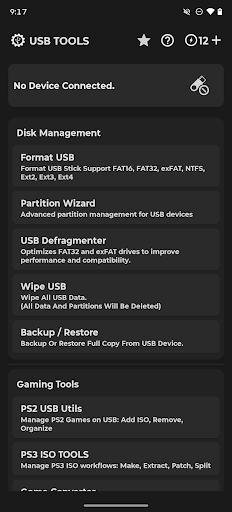
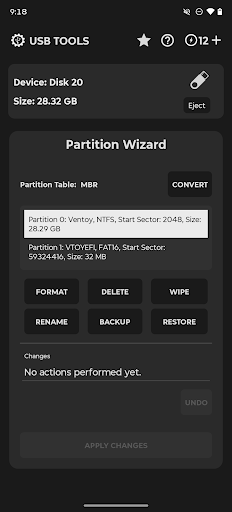
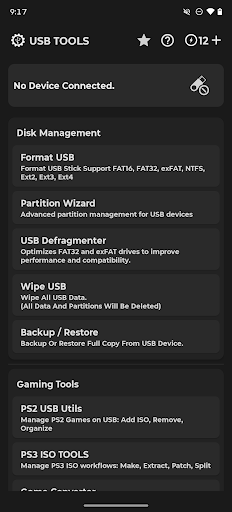
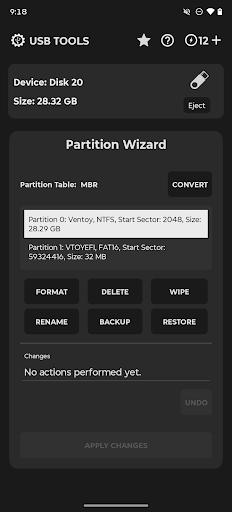
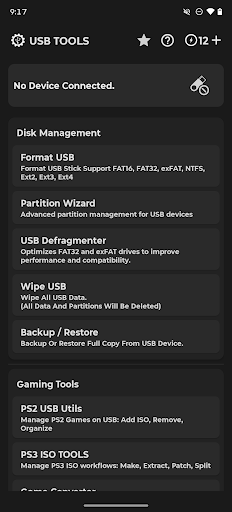
USB TOOLS helps you manage and check USB drives using an Android device. It suits people who want to prepare a drive, make a backup, remove its contents, or look for deleted files without using a computer. Most features work without root access. Using the phone’s internal SD card slot requires root access, a special level of phone access.
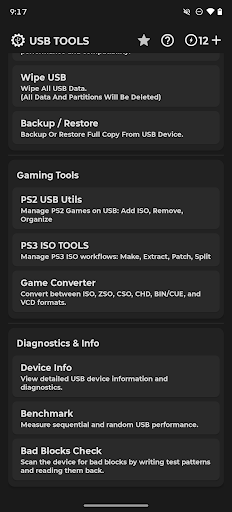
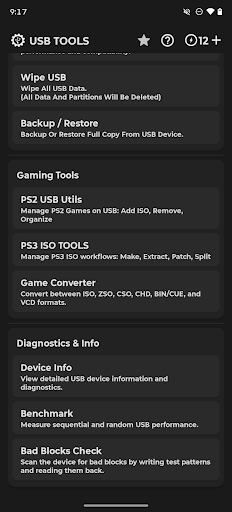
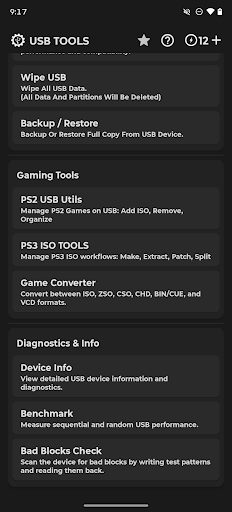
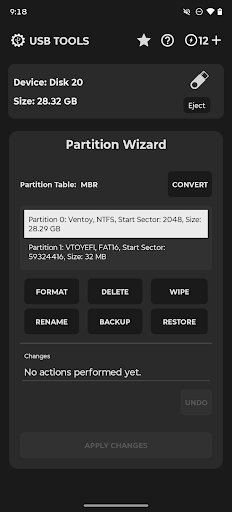
You can format a drive, change how its storage is divided, and make or restore a full-drive backup. The app can also erase drive contents and check for storage errors. Formatting and some partition tools use tokens. You can earn tokens by watching a short ad or buy them in the app.
If you have lost files, the app can scan a drive for photos, videos, music, documents, and other file types. A scan may find files, but recovery is not guaranteed. Other tools test drive speed and check for faulty or falsely labelled storage capacity. There are also utilities for organising and preparing USB game files for PS2 and PS3 use.
This is a broad toolkit rather than a simple file browser. It may be useful if you regularly work with USB storage, need to troubleshoot a drive, or manage console game files. Some tools use storage terms such as partitions and file systems, so they may take a little learning if you have not handled drive settings before.
USB TOOLS is made by MixApplications. It has a 4.6-star rating from about 24,500 ratings and more than 1,000,000 installs.